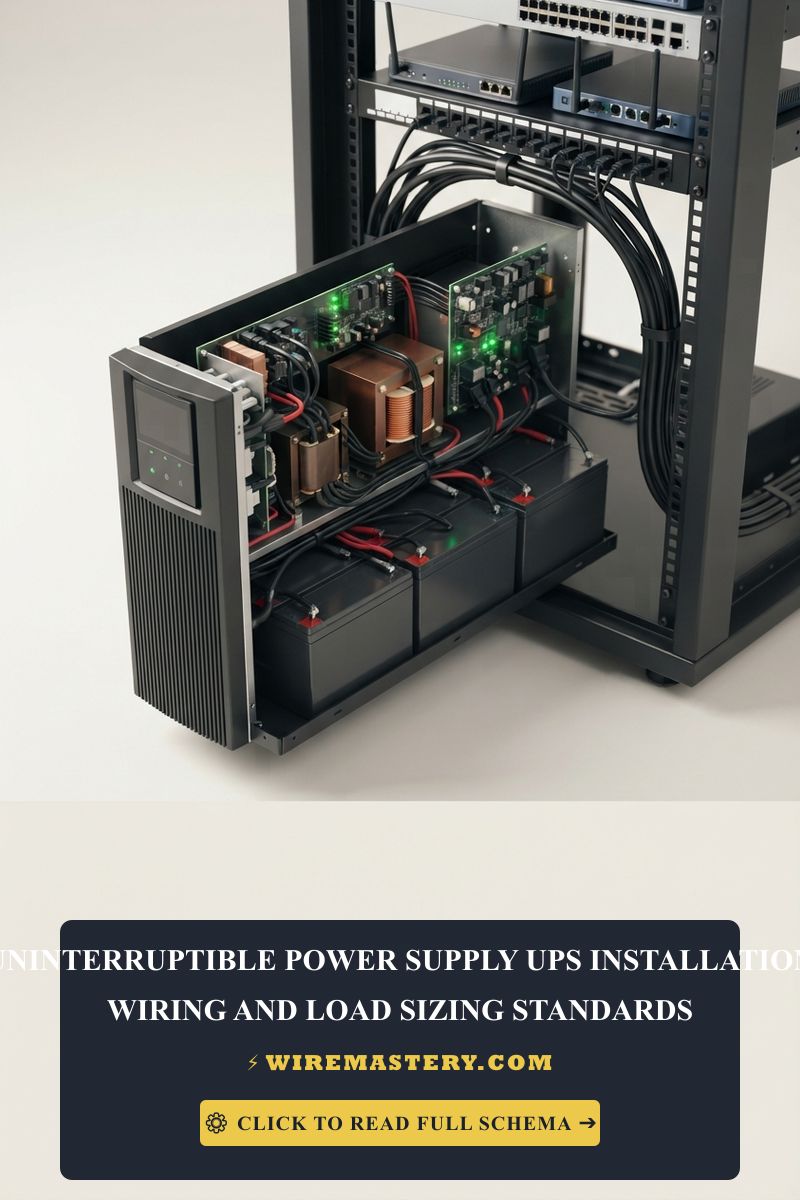
UPS Installation & Load Sizing Standard Manual
Maintaining flawless local network data transfers and protecting expensive computing components requires more than clean RJ45 structural terminations; it demands absolute power stability for your central routing hardware. Sudden residential grid blackouts, voltage sags, and brownouts can corrupt active databases, destroy solid-state storage sectors, and knock out critical server links. Implementing a dedicated battery backup for home office and network cluster enclosures shields sensitive silicon microchips against raw utility fluctuations.
The exact mathematical load sizing calculations, battery chemistry benchmarks, and National Electrical Code (NEC) safety isolation regulations required to integrate an Uninterruptible Power Supply (UPS) network.
Core Infrastructure Sizing Parameters
Before deploying a standalone or rackmount battery backup module, verify these foundational power metrics:
- VA vs. Watts Distinction: Equipment power demands are measured in active Watts, while UPS capacities are rated in Volt-Amps (VA) of apparent power. Miscalculating this power factor layout causes instant unit overloads during a blackout.
- Circuit Load Capabilities: High-capacity UPS systems (over 1500VA) frequently utilize specialized locking plug configurations (like NEMA 5-20P) requiring dedicated 20-amp branch lines.
- Thermal Dissipation Thresholds: Industrial battery enclosures generate heat during continuous double-conversion or charging cycles. Ensure adequate airflow cross-ventilation to avoid premature battery cell failure.
Technical Materials & Diagnostic Testing Checklist
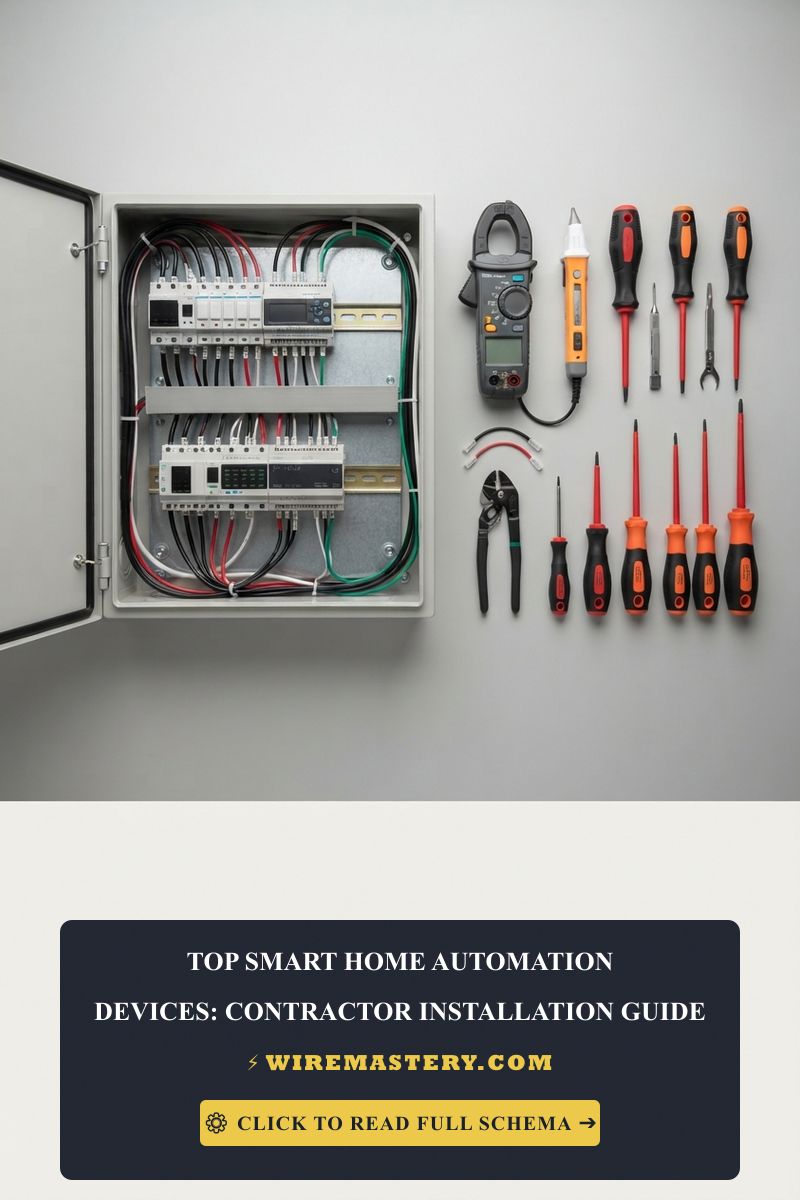
Safely auditing and configuring a home office infrastructure backup network requires specific technical instrumentation and hardware components:
| Network Installation Tool / Supply | Primary Engineering Purpose |
|---|---|
| Digital Auto-Ranging Multimeter | To measure true utility line-voltage profiles and confirm clean 120V AC output states. |
| Non-Contact Infrared Thermometer | Monitors internal battery chassis thermal dissipation margins during heavy charging loads. |
| Dedicated Heavy-Duty Power Strip | UL-listed surge protector verified to safely distribute backup power across peripheral monitors. |
| 12V Sealed Lead-Acid (SLA) Multi-Tester | Internal battery condition instrument used to analyze real-time internal resistance dropouts. |
The Mathematics of UPS Sizing: VA vs. Watts Formula
The single most common engineering failure when selecting a battery backup for home office environments is buying a unit based solely on the labeled Watts capacity while ignoring the circuit’s total Apparent Power factor requirements.
To determine the exact UPS sizing metrics required to sustain your network, follow this standard trade sequence under Ohm’s Law parameters:
Apparent Power (VA) = Active Load (Watts) / Power Factor (PF)
For modern home office server clusters and gaming rigs, computer power supplies carry an average Power Factor coefficient of 0.6 to 0.7. Therefore, if the sum of your central devices (Modem, Router, NAS server, and Desktop PC) totals 450 Watts of active load:
Required Sizing = 450 / 0.7 = 642.8 VA
To ensure a safe operational buffer and allow room for future network upgrades, apply a mandatory 20% headroom safety factor (642.8 × 1.20 = 771.4 VA). You must source a UPS rated for at least 800VA to 1000VA to guarantee clean power runtime execution.
Standard Home Office Runtime Sizing Matrix
| Core Device Setup | Average Active Load (Watts) | Recommended UPS Capacity (VA) | Estimated Battery Runtime |
|---|---|---|---|
| Basic Network Core (Modem + Router) | 30W - 50W | 450VA - 600VA | 60 to 90 Minutes |
| Standard Home Office (Laptop + Dual Monitors + NAS) | 150W - 250W | 850VA - 1000VA | 25 to 40 Minutes |
| Advanced Workstation (Pro Server Rig + Dual GPUs + Switch) | 500W - 700W | 1500VA + (True Online) | 15 to 25 Minutes |
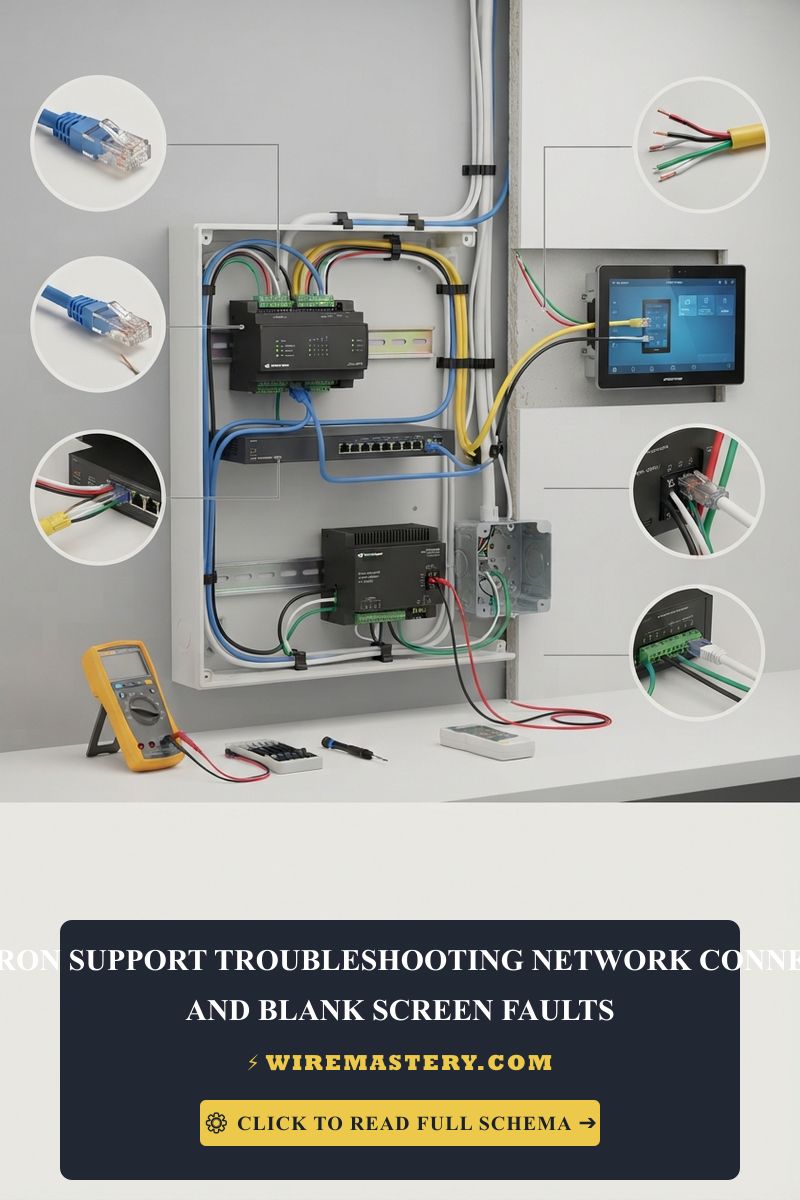
🛠️ Contractor Infrastructure Note: Look closely at the automated testing dashboards tracking your property’s real-time parameters. Notice how steady data continuity loops rely entirely on subsecond power isolation switches. When positioning your battery storage enclosures, always avoid damp basement floors or direct sunlight wall cavities. Maintaining a clean ambient room climate of exactly 68°F to 77°F (20°C to 25°C) is the absolute deciding factor in maximizing internal battery cell health.
Step-by-Step Battery Backup Configuration Manual
1. Conducting the Equipment Amperage Audit
Unplug your target hardware. Look at the manufacturing specification labels stamped on the back of your computer power supplies, network switches, and storage servers. Write down the maximum input Amperage and Voltage ratings. Multiply them (Amps × Volts = VA) to map out the complete apparent power configuration load of your workspace.
2. Discerning Outlets: Surge vs. Battery Backup Slots
When turning your new UPS chassis framework on, look closely at the built-in receptacle array on the back panel block. The outlet slots are split into two distinct electrical zones:
- Surge Protection Only Slots: These outlets filter out high-voltage spike noises and lightning arcs, but will cut power instantly during a blackout. Plug non-essential peripheral hardware here (such as desktop desk lamps, secondary reference monitors, or flatbed document scanners).
- Battery Backup + Surge Slots: These lines stay continuously energized via the internal inverter modules the millisecond the utility grid cuts out. Connect your core data infrastructure strictly here (Main Modem, Router, Local NAS Storage Arrays, and Primary Workstation PC).
3. Integrating the Automated Smart Shutdown Software
To ensure zero data corruption during long-duration utility failures that exceed your battery runtime capacity boundaries:
- Connect the dedicated USB or RJ45 communication signaling cable from the UPS smart data port directly into your NAS server or main computer chassis.
- Install the manufacturer’s native automation software app (such as APC PowerChute or CyberPower PowerPanel).
- Configure the automation trigger rules: set the script to command an automatic, orderly operating system graceful shutdown once the battery reserve drops below 15% capacity, completely protecting your hard drive read-write heads from hard mechanical crashes.
Troubleshooting Common UPS Protection Failures
- The UPS Constantly Emits a Continuous High-Pitched Beep: This is an immediate warning indicator of an overload fault. You have plugged too many high-draw mechanical appliances into the battery slots. Never connect laser printers, paper shredders, or portable space heaters to battery backup sockets, as their heating elements draw instant current surges that trip internal safety circuit breakers.
- The Unit Cuts Power Instantly During a Blackout: If the UPS drops the load immediately without sustaining power runtime, your internal battery cells are fully degraded. Sealed Lead-Acid (SLA) cells have a fixed service life of 3 to 5 years. Use your battery instrument to test cell drop voltage under load; if degraded, replace the internal battery cartridge immediately.
- Ecosystem Software Displays False Status Signals: Check your communication cable paths. Ensure you aren’t routing the data link parallel to unshielded high-voltage 240V HVAC conduits, which introduces digital noise dropouts that break the smart monitoring link.
NEC Compliance & Official Safety Standards
Adhering to strict national structural regulations ensures your home server room remains legal, fully insurable, and safe from fire hazards. The National Electrical Code strictly regulates data centers and residential automated communication hubs under NEC Article 645 - Information Technology Equipment and Article 702 (Optional Standby Systems):
- Circuit Overload Boundaries: The UPS charging load plus downstream equipment draw must never exceed 80% of the maximum branch circuit rating for continuous loads on a standard 15-amp or 20-amp residential line.
- Battery Venting Rules: Utilizing standard sealed AGM or lithium-iron-phosphate (LiFePO4) smart modules eliminates the requirement for specialized hazardous chemical ventilation exhaust structures mandated for old flooded lead-acid battery installations.
For current NFPA 70 guidance on UPS branch circuits, grounding, transfer equipment, conductor sizing, and installation safety, consult the Official NFPA 70: National Electrical Code (NEC).
Conclusion
This guide covers calculating your active load requirements and installing a smart battery backup for home office configurations steps up your local network’s resilience and protects your digital infrastructure against sudden utility dropouts. By tracking the difference between true Watts and apparent VA values, segregating non-essential surge hardware from critical battery slots, and establishing automated smart graceful shutdowns, you achieve a professional, commercial-grade network framework. Prioritize battery life testing audits, maintain ideal room thermal margins, and protect your home office network with code-compliant care.